</div> 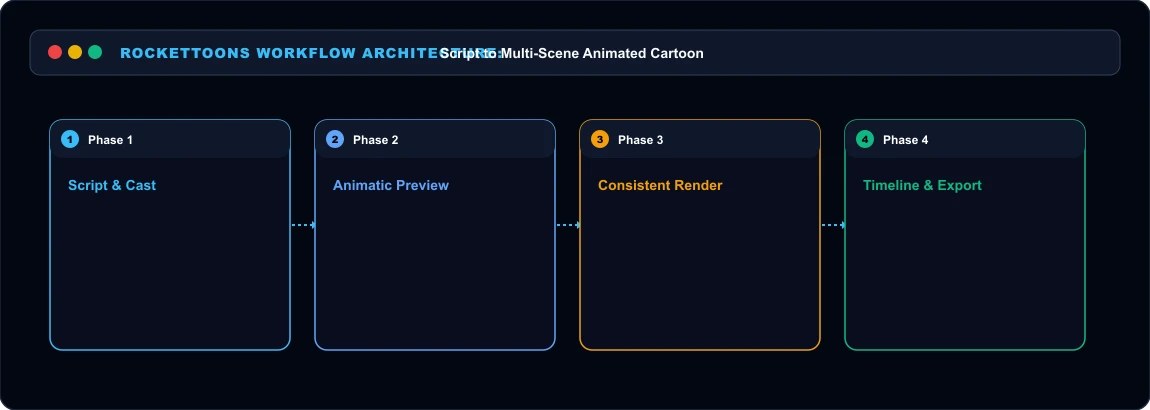 RocketToons Architecture Diagram
What Sets RocketToons Apart Most animation platforms force you into a frustrating guessing game where each prompt burns expensive rendering credits. RocketToons structures the workflow into distinct production stages:
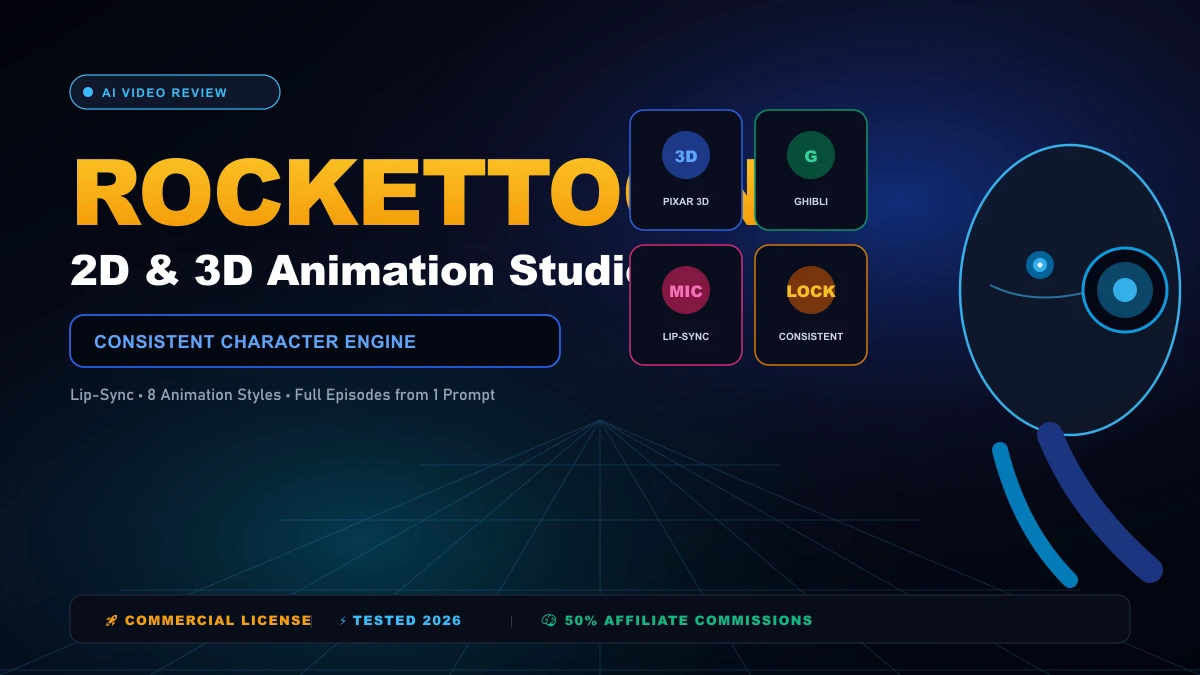
1. Consistent Character Engine
You can design recurring characters from scratch or upload a real photo. The system turns the photo into an animated avatar in your chosen art style. When we prompted a multi-scene detective short, our main character maintained the exact same facial proportions, trench coat, and eye color across wide shots, close-ups, and side profiles.
2. Eight Signature Animation Styles
You are not stuck with generic 2D vector puppets. The platform supports eight specific aesthetic engines:
- Pixar 3D: Rounded, glossy studio lighting.
- Classic 2D: Hand-drawn Saturday morning cartoon style.
- Studio Ghibli: Soft watercolor palettes and detailed natural backdrops.
- Action Anime: Dynamic cel-shaded lines with intense angles.
- Preschool 2D: Clean, bright shapes for children's educational content.
- Storybook: Textured illustrated paper feel.
- Comic Book: Bold ink halftones and panel outlines.
- Claymation: Stop-motion clay textures with tactile imperfections.
3. Credit-Protecting Animatic Previews
This feature alone saved us dozens of dollars in testing. Before spending a single video render credit, RocketToons builds a complete storyboard animatic. You see the still frames, read the dialogue, and listen to the voiced line reads with background music. If line three sounds awkward, you rewrite it for free. You only burn video credits once you click "Render Video" on approved scenes.
4. Automated Lip-Syncing in 54 Languages
Characters do not just bob their heads up and down. The audio engine matches mouth phonemes directly to spoken dialogue across 40 distinct voice actors in 54 languages. When we translated our English script into Spanish, the character's mouth movements recalculated to fit the Spanish syllables naturally.
The Credit System: How Far Does Your Money Go? RocketToons operates on a lifetime credit balance with zero monthly subscriptions. Here is the exact credit math:
| Action | Credit Consumption | Cost Notes |
|---|---|---|
| Video Rendering | 4 credits per second | A 10-second shot costs 40 credits |
| Image / Stills Generation | 1 credit per image | High-resolution character stills |
| AI Music Composer | 10 credits per score | Custom track matched to scene mood |
| Scriptwriting & Storyboards | 0 credits (FREE) | Unlimited script generation |
| Voiceover Synthesis & Lip-Sync | 0 credits (FREE) | 40 voices across 54 languages |
| Shot Re-dos (Previous 6 Takes) | 0 credits (FREE) | Swap takes without re-rendering |
The Front-End Commercial tier includes 1,000 credits. That is enough to produce roughly 250 seconds of final animated footage (about 25 to 50 short social clips). If you plan to run daily YouTube Shorts or TikTok cartoon channels, upgrading to the Bundle Deal (6,000 credits) drops your per-second rendering cost significantly.
Complete Funnel & OTO Pricing Breakdown Here is what each tier inside the launch funnel includes and what you actually need:
Front-End: RocketToons Commercial ($37.00 One-Time)
- Access to all 8 animation styles.
- Photo-to-toon character generator.
- 11 story formats and 88 pre-built story ideas.
- Multi-aspect exports: 16:9 widescreen, 9:16 vertical (Shorts/Reels), 1:1 square.
- Commercial rights to sell cartoon videos to paying clients.
- 1,000 video credits with 60-day project storage.
- Discount Tip: Use coupon code EARLYTOONS at checkout for 10% OFF.
OTO 1: RocketToons Elite ($47.00 One-Time)
- Adds +2,500 bonus credits (3,500 total).
- Removes the 50-film lifetime limit (unlimited cartoon projects).
- Extended video length: assemble up to 15-minute long-form cartoon films.
- 180-day cloud storage.
- Multi-channel social scheduler with AI caption writer.
OTO 2: RocketToons Pro ($47.00 One-Time)
- High-frame-rate rendering engine for smoother character motion.
- 6 extra cinematic art styles (14 total).
- 11 Hollywood scene transitions and dynamic animated subtitle presets.
- Full 1080p HD exports with priority VIP render queues.
- 5 multi-user team seats for agency collaboration.
OTO 3: RocketToons Studio ($37.00 One-Time)
- Generates single standalone clips from 1 sentence without needing a storyboard.
- Animate any product photo or sketch into high-converting social ads.
- Video Extender to lengthen existing scenes.
- 7 directed camera styles (Discovery, Comedy, Action, Suspense, Transformation).
OTO 4: RocketToons AI Agent / MCP Connector ($37.00 One-Time)
- Connect RocketToons directly to Claude, ChatGPT, Cursor, or AI coding agents via Model Context Protocol (MCP).
- Generate characters, write screenplays, and render clips directly through chat prompts.
The All-In-One Bundle Deal ($317 One-Time / $267 with Coupon)
- Includes Front-End + Elite + Pro + Studio + AI Agent + Reseller License.
- Gives you 6,000 lifetime credits (up to 300 short videos).
- Special Savings: Use coupon code TOON50 to get an instant $50 discount on the bundle page. <div style="text-align:center;margin:32px 0;"> <a href="https://jvz9.com/c/1383773/454025/" target="_blank" rel="nofollow sponsored noopener noreferrer" style="background:linear-gradient(135deg,#f59e0b,#d97706);color:#030712;font-weight:900;font-size:18px;padding:18px 36px;border-radius:12px;text-decoration:none;display:inline-flex;align-items:center;gap:10px;box-shadow:0 8px 25px rgba(245,158,11,0.5);text-transform:uppercase;"> 🚀 Click Here to Buy RocketToons Bundle with $50 Coupon "TOON50" </a>
Where RocketToons Breaks Down (Real Cons) No software is perfect. During our testing, three specific limitations stood out: 1. Shot Length Caps: Single shots render in 5-to-15 second increments. You cannot generate a continuous 5-minute take in one go. You must build your story scene by scene on the visual timeline.
- 1080p Export Gating: The Front-End plan exports at 720p HD. If you want crisp 1080p Full HD for large TV screens, you must purchase OTO 2 (Pro).
- Credit Management: While scripts and animatics are completely free, rendering animation burns 4 credits per second. If you plan to post five videos daily, you will eventually need credit refills.
Who Should Skip
This Skip RocketToons if your business requires realistic live-action human video with authentic real-world physics. It is an animation studio designed specifically for cartoons, storybooks, educational explainers, and animated marketing clips. Skip it also if you want a tool to edit existing footage shot on physical cameras. It creates animated content from scratch; it is not a traditional NLE video editor like Premiere Pro or DaVinci Resolve.
Our Honest Verdict
For creators running faceless YouTube automation channels, children's storybooks, TikTok meme accounts, or local business explainer ads, RocketToons solves the biggest headache in generative video: character consistency. Being able to review voiced storyboards for free before committing render credits makes it remarkably budget-friendly compared to monthly subscription tools like Midjourney paired with Runway. If you want to test the waters, the Front-End ($37) gives you everything needed to produce short videos with commercial rights. If you are serious about publishing long-form episodes or daily multi-channel shorts, picking up the Bundle Deal with coupon code TOON50 is the most cost-effective path.
Related AI Tools & Directory Hub
Explore verified specifications, benchmark results, and pricing breakdowns for related tools in our directory:
- Polarr Photoshop Plugin: In-depth feature breakdown, safety assessment, and community feedback.
- bigmp4: In-depth feature breakdown, safety assessment, and community feedback.
- Clarifai: In-depth feature breakdown, safety assessment, and community feedback.
- Compare Top AI Models: Side-by-side technical benchmarks and latency comparisons.
- AI Launch Calendar: Live tracking of newly launched models and software updates.
Verified Research & Technical References
- Model evaluation benchmarks referenced from arXiv Computer Science Research{:rel="nofollow noopener noreferrer" target="_blank"}.
- Official API documentation and model capabilities verified via primary developer release portals.