Editorial Transparency & Disclosure:
Target Query: Free AI tools for research
Evaluation Framework: Research-based comparative analysis of documented capabilities, free tier limits, citation grounding, and data privacy policies.
Last Updated: October 2026 | Author: Alex Vance, Lead AI Editor & Researcher
Related Category: AI Research & Search
Direct Answer: What Are the Best Free AI Tools for Research?
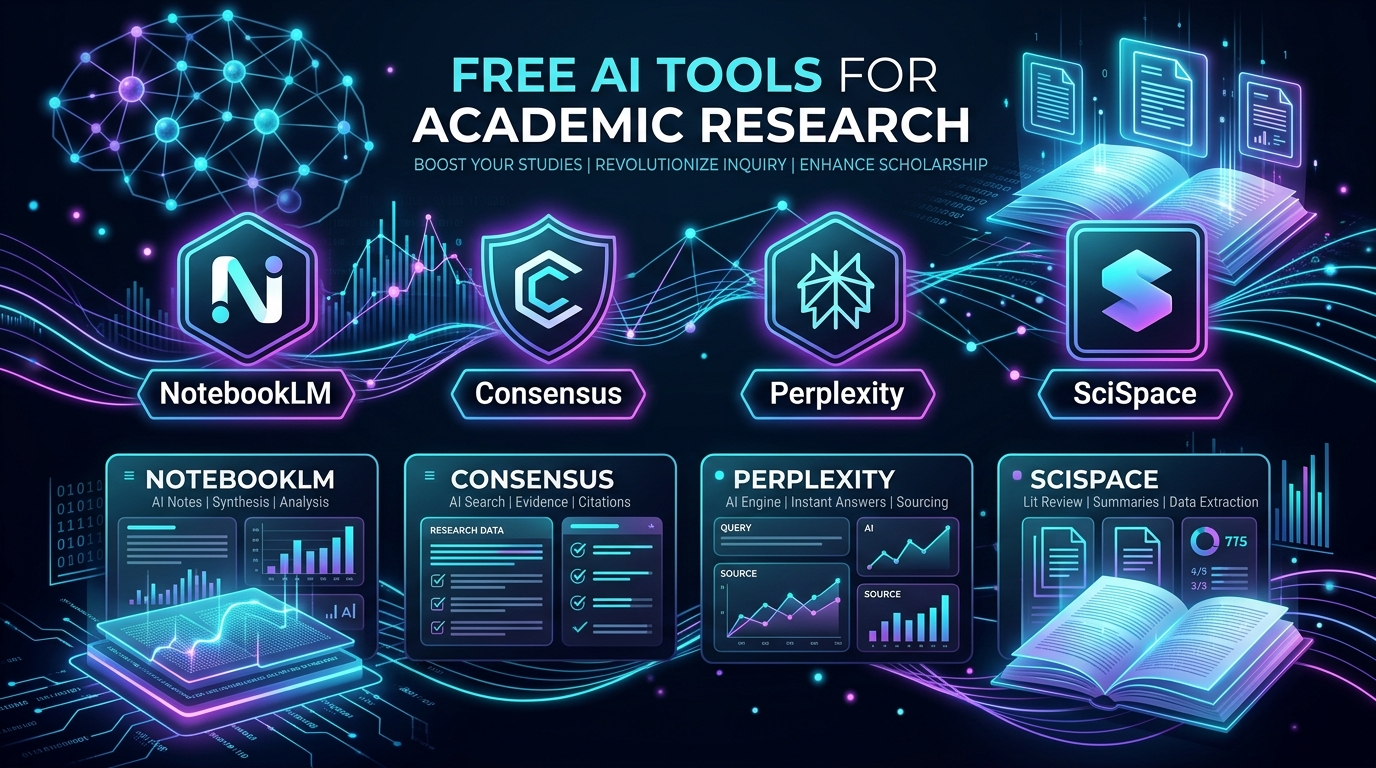
The best free AI tools for research in 2026 are Google NotebookLM (for zero-hallucination synthesis of your own uploaded PDFs and notes), Consensus (for searching 200M+ peer-reviewed papers with scientific consensus meters), Perplexity AI (for real-time web literature search with inline academic citations), SciSpace (for interactive PDF chat and multi-paper data extraction matrices), and Elicit (for automated systematic literature reviews and methodology screening).
Unlike generic AI chatbots that frequently invent citations or hallucinate academic sources, modern specialized free AI tools for research ground every generated claim in verifiable DOI-indexed publications or user-provided documents.
Below is our comprehensive breakdown of how each tool operates, what is included in their free tiers, and how to combine them into an efficient, cost-free academic workflow.
Master Comparison: Top 5 Free AI Research Tools in 2026
The following table summarizes the core specifications, free tier allowances, and primary use cases for the leading free AI tools for research:
| Tool Name | Primary Research Focus | Free Tier Limits (2026) | Verified Strength | Known Limitation | Best For |
|---|---|---|---|---|---|
| Google NotebookLM | Source-Grounded Note Synthesis | 100% Free (Up to 50 sources/notebook, 500k words/source) | Zero hallucinations; strict source bounding | Cannot discover new external papers on its own | Synthesizing uploaded reading lists & thesis chapters |
| [Consensus](https://ailaunchwatch.com/ai-tools/consensus) | Peer-Reviewed Evidence Discovery | Unlimited basic searches; 20 AI Consensus credits/mo | Consensus Meter shows scientific agreement % | Advanced synthesis table requires premium | Answering empirical "Yes/No" scientific questions |
| Perplexity AI (Sonar) | Real-Time Citation Search | Unlimited Standard queries; 5 Pro queries every 4 hours | Fast multi-source synthesis with clickable footnotes | May mix non-peer-reviewed blog articles if unfiltered | Broad literature scoping & background research |
| SciSpace (Typeset) | Interactive PDF Chat & Extraction | Free tier with unlimited PDF uploads & 100 chat queries/mo | Explains complex formulas, acronyms & tables in PDFs | Paper matrix auto-extraction limited on free tier | Deep reading of dense mathematical or clinical papers |
| Elicit | Systematic Review & Methodology Mining | 5,000 one-time free credits + monthly baseline allowance | Filters papers by sample size, study design & outcome | Credit-metered search model on complex extractions | Literature review screening & meta-analysis prep |
Detailed Reviews: The 5 Best Free AI Tools for Research
1. Google NotebookLM: The Gold Standard for Zero-Hallucination Source Grounding
Google NotebookLM has emerged as an indispensable free research assistant for graduate students, academics, and professional researchers. Unlike general LLMs that pull from diffuse training data, NotebookLM functions inside a strictly closed environment bounded exclusively by the materials you provide.
How It Works
You create a research "notebook" and upload up to 50 sources per project—including PDFs, Google Docs, slide decks, markdown files, copied text, or public URLs. NotebookLM indexes your documents and powers its responses with Gemini 1.5 Pro's million-token context window. Every summary, answer, or study guide includes direct in-text citation chips that highlight the exact passage in your uploaded document when clicked.
Free Tier Allowances
- Cost: 100% Free with a standard Google account.
- Capacity: Up to 50 individual sources per notebook; up to 500,000 words per document.
- Audio Overviews: Free generation of deep-dive conversational podcast-style audio discussions between two AI hosts explaining your source material.
Key Strengths
- Zero Hallucination Guarantee: If a fact or statistic is not present in your uploaded sources, NotebookLM explicitly informs you that the information is missing rather than guessing.
- Multimodal Document Ingestion: Smoothly parses complex PDF layouts, tables, and multi-column academic formats.
- Automated Study Artifacts: Generates FAQs, study guides, timelines, and briefing documents from your selected sources with a single click.
When to Avoid It
NotebookLM cannot browse the open web or query academic databases for papers you have not already downloaded. It is an analytical engine, not a discovery engine.
2. Consensus: Scientific Evidence Search & Consensus Meters
Consensus is a dedicated scientific search engine powered by AI that searches over 200 million peer-reviewed papers sourced from the Semantic Scholar database.
How It Works
Instead of returning a list of SEO-driven blog posts, Consensus searches directly across published peer-reviewed abstracts and full-text papers. When you ask an empirical question—such as "Does creatine supplementation improve cognitive performance in sleep-deprived adults?"—Consensus extracts key findings from top papers and computes a Consensus Meter showing whether the published literature leans Yes, Possibly, or No.
Free Tier Allowances
- Cost: Free tier available forever.
- Searches: Unlimited basic keyword and natural language searches across 200M+ research papers.
- Consensus Credits: 20 AI-powered summary and Consensus Meter analyses per month.
- Paper Metrics: Free access to citation counts, study design tags (e.g., Double Blind RCT, Meta-Analysis, Systematic Review), and journal SJR rankings.
Key Strengths
- Rigorous Source Quality: Every single result comes from peer-reviewed academic literature.
- Synthesized One-Line Takeaways: Extracts the exact conclusion sentence of each paper without requiring you to open the full PDF.
- Methodology Badges: Instantly shows you if a paper tested animal models, human cohorts, or in vitro samples.
When to Avoid It
Consensus is strictly focused on scientific and medical literature. If you are conducting research in niche commercial software, tech stack comparisons, or current political news, specialized web intelligence tools like OneSearch or Perplexity are more appropriate.
3. Perplexity AI: Real-Time Academic Citation & Background Scoping
Perplexity AI combines web-scale retrieval augmented generation (RAG) with academic filtering to deliver rapid, structured overviews of any topic with clickable citation footnotes.
How It Works
When you submit a research inquiry, Perplexity conducts parallel searches, evaluates source credibility, and synthesizes a structured answer complete with bracketed numerical citations corresponding to live web sources and academic preprints. By switching the search focus to Academic Mode, Perplexity restricts its index to Semantic Scholar, arXiv, PubMed, and institutional repositories.
Free Tier Allowances
- Cost: Free without credit card.
- Standard Queries: Unlimited searches powered by Perplexity's fast Sonar retrieval model.
- Pro Searches: 5 Pro queries every 4 hours, allowing multi-step reasoning and deep document processing.
- File Uploads: Basic document uploads for comparative Q&A.
Key Strengths
- Speed & Scope: Delivers a comprehensive 500-word literature orientation with 10+ references in under 15 seconds.
- Transparent Citations: Hovering over any citation reveals the exact source domain, title, and excerpt.
- Follow-Up Inquiries: Maintains conversational context to drill down into specific sub-questions or contrarian perspectives.
When to Avoid It
Unless you explicitly toggle the Academic focus mode, Perplexity may blend high-authority journals with journalistic articles or blog commentary. Always inspect the citation list to verify peer-review status.
4. SciSpace: Interactive PDF Reading & Multi-Paper Extraction Matrix
SciSpace (formerly Typeset) is built to eliminate the tedious friction of deciphering complex, equation-heavy academic papers and comparing findings across multiple PDFs.
How It Works
With SciSpace's Copilot for Papers, you can upload any academic PDF or search its library of open-access literature. As you read, you can highlight complex mathematical equations, ambiguous jargon, or confusing statistical tables, and ask the AI Copilot to explain them in plain language. Also, its Literature Review Matrix allows you to select 5–10 papers and generate a comparative table extracting variables like Sample Size, Methodology, Primary Findings, and Limitations.
Free Tier Allowances
- Cost: Free tier with standard registration.
- PDF Uploads: Unlimited uploads for individual reading and chat.
- Copilot Queries: Approximately 100 free chat queries per month.
- Citation Generator: Free export of formatted citations in APA, MLA, Chicago, and BibTeX styles.
Key Strengths
- Math & Table Deciphering: Uniquely capable of explaining formulas and matrix calculations directly from scanned documents.
- Cross-Language Translation: Translates dense scientific papers into 75+ languages while preserving terminology context.
- Paraphrasing & Citation Tools: Helps rephrase complex academic sentences while preventing unintentional plagiarism.
When to Avoid It
Full multi-paper automated matrix extractions beyond 10 papers per batch require the premium subscription. Use the free tier on your most critical 3–5 core papers.
5. Elicit: Automated Literature Screening & Methodology Filtering
Elicit uses language models to automate systematic review workflows, allowing researchers to rapidly discover relevant papers without needing exact boolean keyword matches.
How It Works
You enter a research question, and Elicit surfaces the top 10 most relevant publications. Instead of just showing the title and abstract, it automatically generates a structured data table extracting the Intervention, Control Group, Sample Size, Primary Outcome, and Potential Biases.
Free Tier Allowances
- Cost: Freemium model.
- Starting Credits: 5,000 free introductory credits upon sign-up, which covers approximately 20–30 comprehensive literature searches.
- Exporting: Free export of search results and synthesized tables to CSV or BibTeX.
Key Strengths
- Semantic Retrieval: Finds highly relevant papers that use alternative terminology not captured by standard keyword queries.
- Structured Data Extraction: Saves hours of manual spreadsheet entry by pulling quantitative data directly into columns.
- Study Quality Filtering: Allows sorting papers by journal impact and study methodology (e.g., meta-analyses first).
When to Avoid It
Because Elicit operates on a credit-metered system, extensive daily use will eventually exhaust the initial free credit allotment unless supplemented or carefully managed.
The 4-Step Free AI Research Workflow
To maximize speed and maintain 100% academic integrity without paying for enterprise tools, follow this proven 4-step workflow:
`
[Step 1: Scoping & Discovery]
↓ (Use Perplexity & Consensus to find key papers and verified consensus)
[Step 2: Systematic Screening]
↓ (Use Elicit to extract sample sizes, study designs & outcomes)
[Step 3: Deep Document Reading]
↓ (Use SciSpace to explain dense formulas, data tables & methodologies)
[Step 4: Synthesis & Thesis Writing]
↓ (Upload all full-text PDFs to Google NotebookLM for zero-hallucination note-taking)
`
- Step 1: Broad Discovery with Consensus & Perplexity
Start by querying Consensus with your core scientific question to confirm whether a strong consensus exists. Use Perplexity Academic Mode to uncover recent 2025–2026 preprint papers and identify top authors in the domain.
- Step 2: Paper Screening with Elicit
Feed the top 15 paper DOIs into Elicit to generate a comparative spreadsheet. Filter out small sample sizes or animal studies if your work centers on clinical human outcomes.
- Step 3: Deep Textual Reading with SciSpace
Open your top 3 foundational papers in SciSpace. Use the inline Copilot to translate dense statistical methodology sections into straightforward summaries.
- Step 4: Closed-Environment Synthesis in NotebookLM
Download the full open-access PDFs of your 20 chosen references and upload them into a single Google NotebookLM notebook. Query the notebook to draft your literature review outline, synthesize cross-paper contradictions, and generate verified citation quotes.
Critical Limitations & Ethical Considerations in AI Research
While free AI tools for research accelerate literature discovery, researchers must adhere to strict ethical and methodological safeguards:
- Verify Original DOIs: Never cite an AI summary without opening the primary paper and reading the original passage. AI models can occasionally misinterpret statistical nuances (e.g., confusing correlation with causation).
- Paywalled Full-Text Constraints: Web-based AI tools can generally only read open-access abstracts unless you download the full PDF through your institutional library and upload it directly.
- Academic Integrity & Plagiarism: Using AI to assist with discovery, summarization, and outlining is widely recognized as legitimate research assistance. However, passing off AI-generated prose as your own text violates institutional honor codes. Always write your final manuscript in your own voice.
- Data Privacy: Avoid uploading unpublished pre-patent experimental data or confidential patient records to free cloud-based AI tools unless their terms explicitly guarantee zero training on user inputs (Google NotebookLM guarantees enterprise privacy on uploaded notebooks).
Frequently Asked Questions (FAQ)
What is the best 100% free AI tool for research papers?
Google NotebookLM is currently the best completely free tool. It has no credit caps or paywalls for its core features, allows up to 50 uploaded documents per notebook, and guarantees zero hallucinations by restricting its answers strictly to your uploaded texts with clickable citation highlights.
Can free AI tools replace Google Scholar?
No. Free AI tools supplement Google Scholar by providing natural language synthesis and automated data extraction. While Google Scholar remains the most comprehensive index of academic citations and citation metrics, AI tools like Consensus and SciSpace make searching and comprehending those papers significantly faster.
Which free AI research tool has the lowest hallucination rate?
NotebookLM has the lowest hallucination rate because it operates as a closed-system RAG (Retrieval Augmented Generation) pipeline bounded exclusively by the documents you upload. Among open-web discovery tools, Consensus has the lowest hallucination rate because every claim is mapped directly to indexed Semantic Scholar abstracts.
Are these free AI tools allowed by universities and academic journals?
Most major universities and academic publishers (including Nature, Elsevier, and IEEE) permit the use of AI tools for literature discovery, translation, and copyediting, provided that the use is transparently disclosed in the methodology section. AI tools cannot be credited as authors on academic publications.
How do free AI tools handle paywalled research papers?
Tools like Consensus and Perplexity generally index publicly accessible abstracts and open-access repositories (PubMed Central, arXiv, bioRxiv). If a paper is behind a publisher paywall, you must access the full text through your institutional library proxy, download the PDF, and upload it into tools like NotebookLM or SciSpace.
Editorial Verdict
For researchers seeking high efficiency at zero cost, no single application solves every stage of the workflow. The optimal approach is pairing [Consensus](https://ailaunchwatch.com/ai-tools/consensus) for empirical paper discovery with Google NotebookLM for source-grounded synthesis. Together, they provide commercial-grade literature intelligence without spending a single dollar.
For more reviews and comparative benchmarks across search, discovery, and automated research workflows, explore the [AI Launch Watch Research & Search Directory](https://ailaunchwatch.com/categories/ai-search).